![Class Battle: A Free Live Vocabulary Game for Your Cambridge YLE Class [2026]](/images/class-battle/host-lobby.webp)
Every English teacher knows the moment a class wakes up: a quiz goes on the board, kids grab their devices, and suddenly everyone wants to know the word for "beetle". Class Battle is a free live quiz built for Cambridge Starters, Movers and Flyers classes. You project a PIN, kids join on any phone or tablet with no accounts, and the whole class races through words from the Cambridge YLE word lists. This guide explains what makes it different and how to run your first battle in about five minutes.
What Is Class Battle?
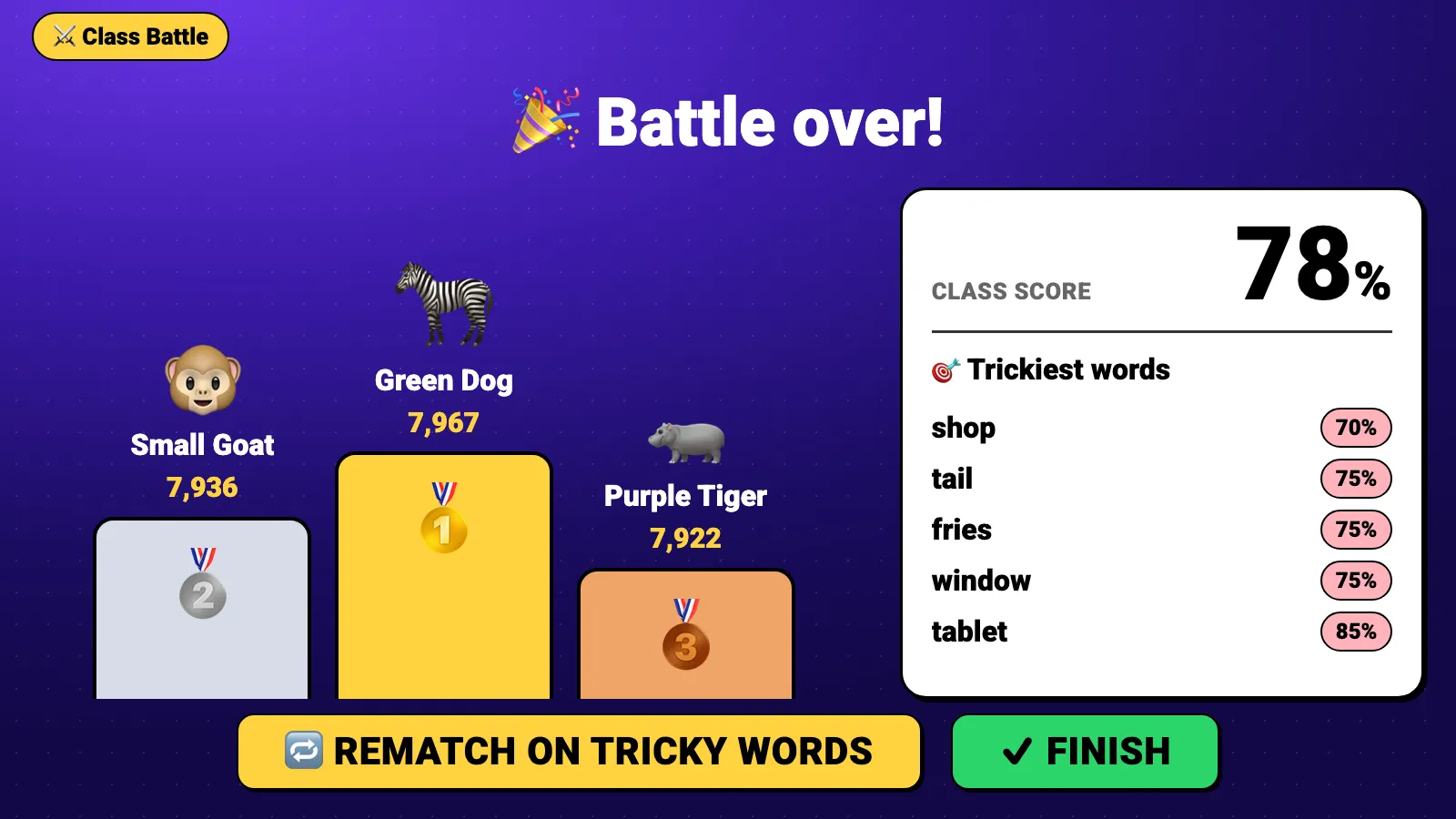
Class Battle is a live, whole-class vocabulary game. Your screen at the front of the room shows the questions, a countdown and a leaderboard. Each kid answers on their own device. Faster correct answers score more, three correct answers in a row earn a streak bonus, and the battle ends on a podium with the class score and the words your class found hardest.
What Makes Class Battle Different
Live quiz games are not new. Class Battle was designed around the things a Cambridge YLE teacher actually needs:
- You don't write a single questionEvery battle is built for you from the Cambridge YLE word lists: 1,135 words with pictures or audio across Starters, Movers and Flyers. Wrong answers come from the same level and, where possible, the same topic, so every choice is fair and on level.
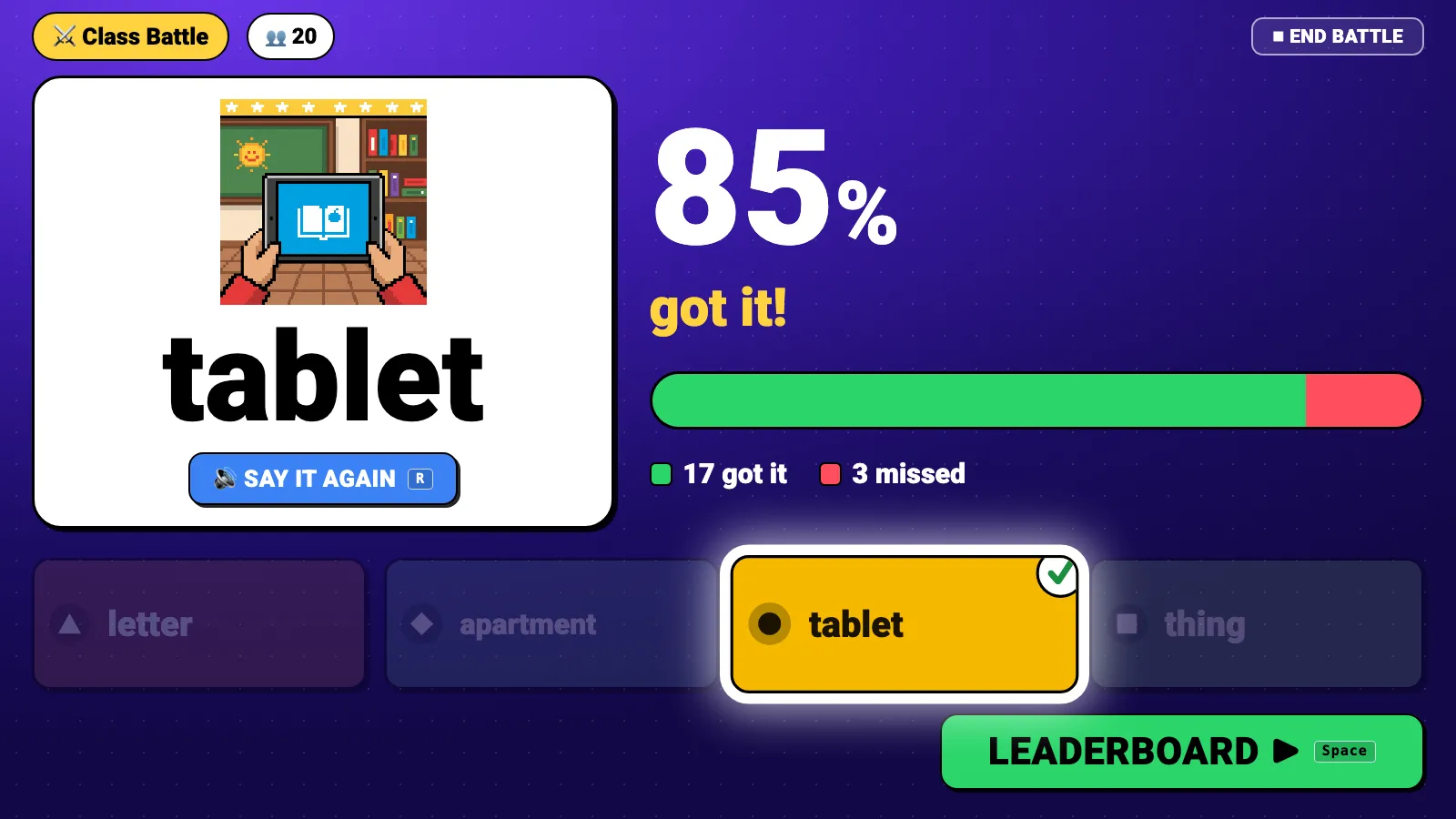
- Every answer is spoken aloudAt each reveal the word is pronounced for the whole room. Listening questions play the audio through your classroom speakers, so pronunciation and listening practice happen in every round.
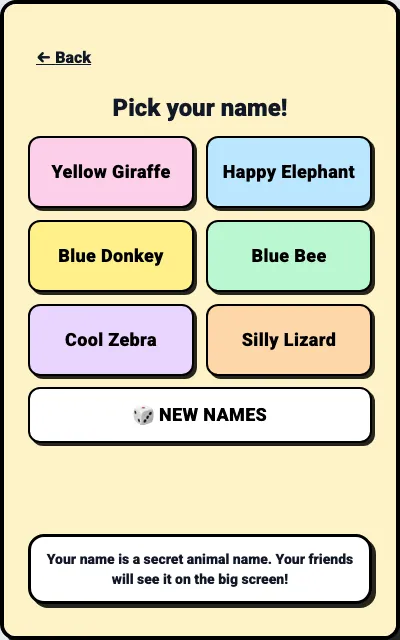
- No accounts and no real namesKids join at flyersenglish.com/play with a 6-digit PIN and pick a generated animal nickname like "Happy Zebra". There are no student accounts, no emails and no passwords to manage.
- It ends with what your class needs to reviewThe final screen shows the class score and the trickiest words. One tap on "Rematch on tricky words" starts a new battle on exactly those words.
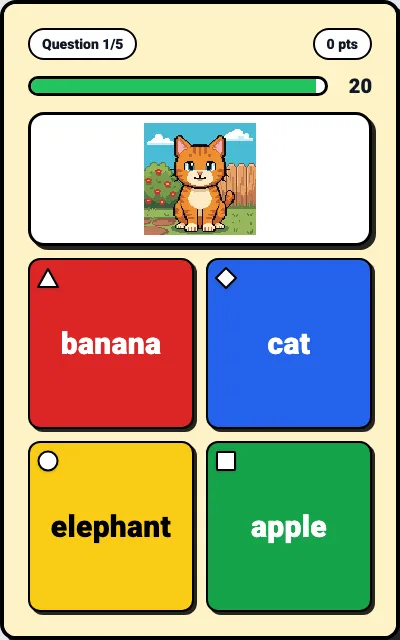
- Built for 7 to 12 year oldsBig colored buttons with shapes, pictures, and the answers on every device, so kids at the back don't depend on the projector. A wrong answer scores zero and nobody loses points, which keeps the competition friendly.
- Free, on any deviceHosting is free for up to 40 players. It runs in the browser on phones, tablets and computers, with nothing to install.
How to Run Your First Battle in Five Minutes
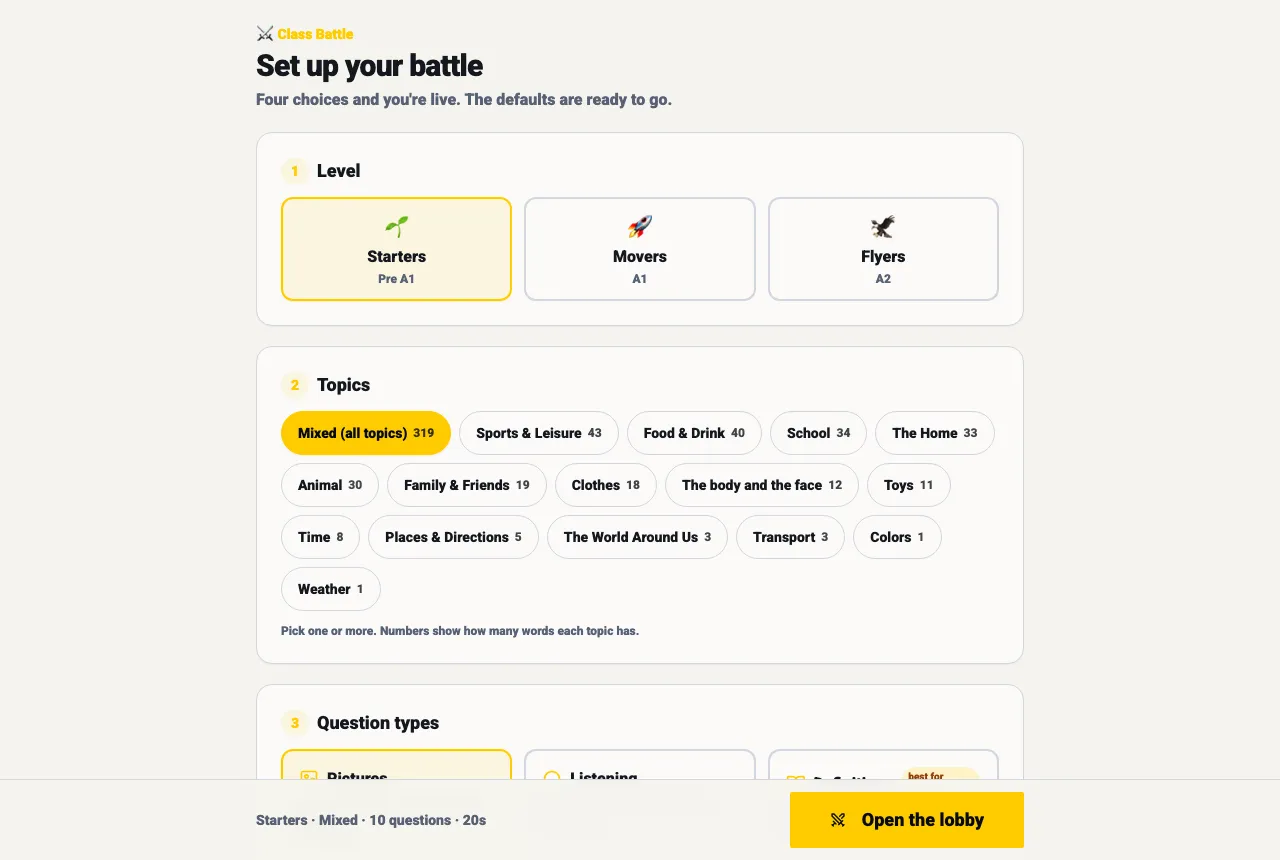
Open Class Battle and tap Start. If you are new, you create a free teacher account first and land straight back in the game setup.
Pick a level (Starters, Movers or Flyers) and, if you like, topics, question types and length. Or use Quick start: all topics, picture questions, 10 questions.
Project your screen. A big PIN and a QR code appear, and each kid's nickname pops in as they join.
Press Start when everyone is in. The reveal comes as soon as everyone has answered or the timer runs out.
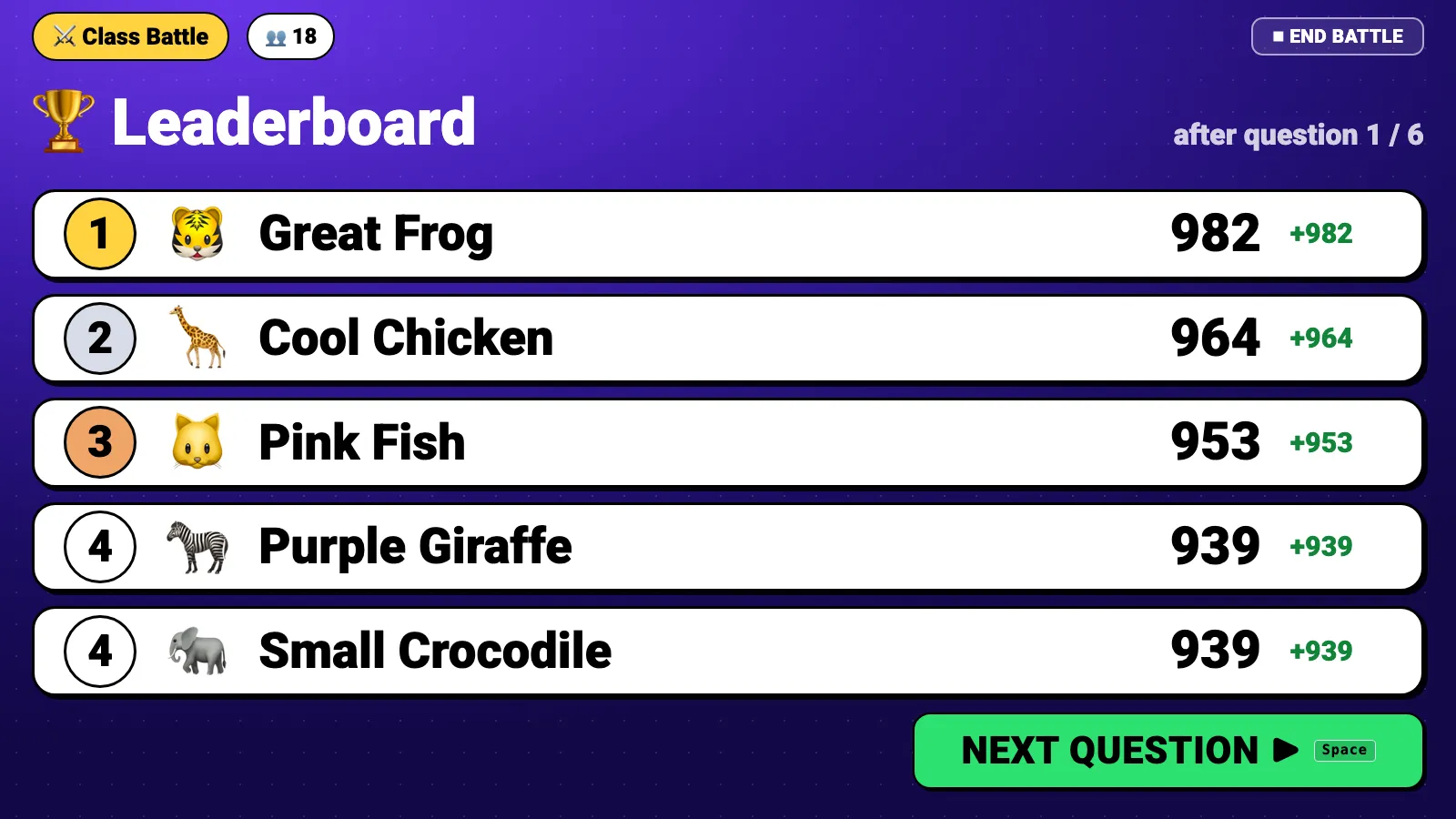
After each reveal, show the leaderboard, then the next question. At the end, review the trickiest words or start a rematch.
What Kids See on Their Phones
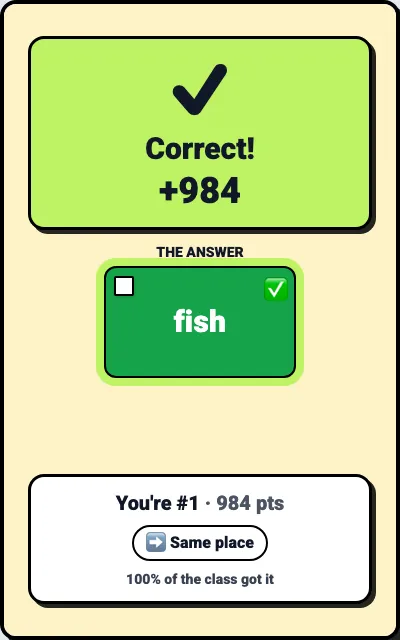
Kids never need an account. They pick a name, tap their answers on big colored buttons, and see their points and rank after every question.
What the Class Sees on the Big Screen
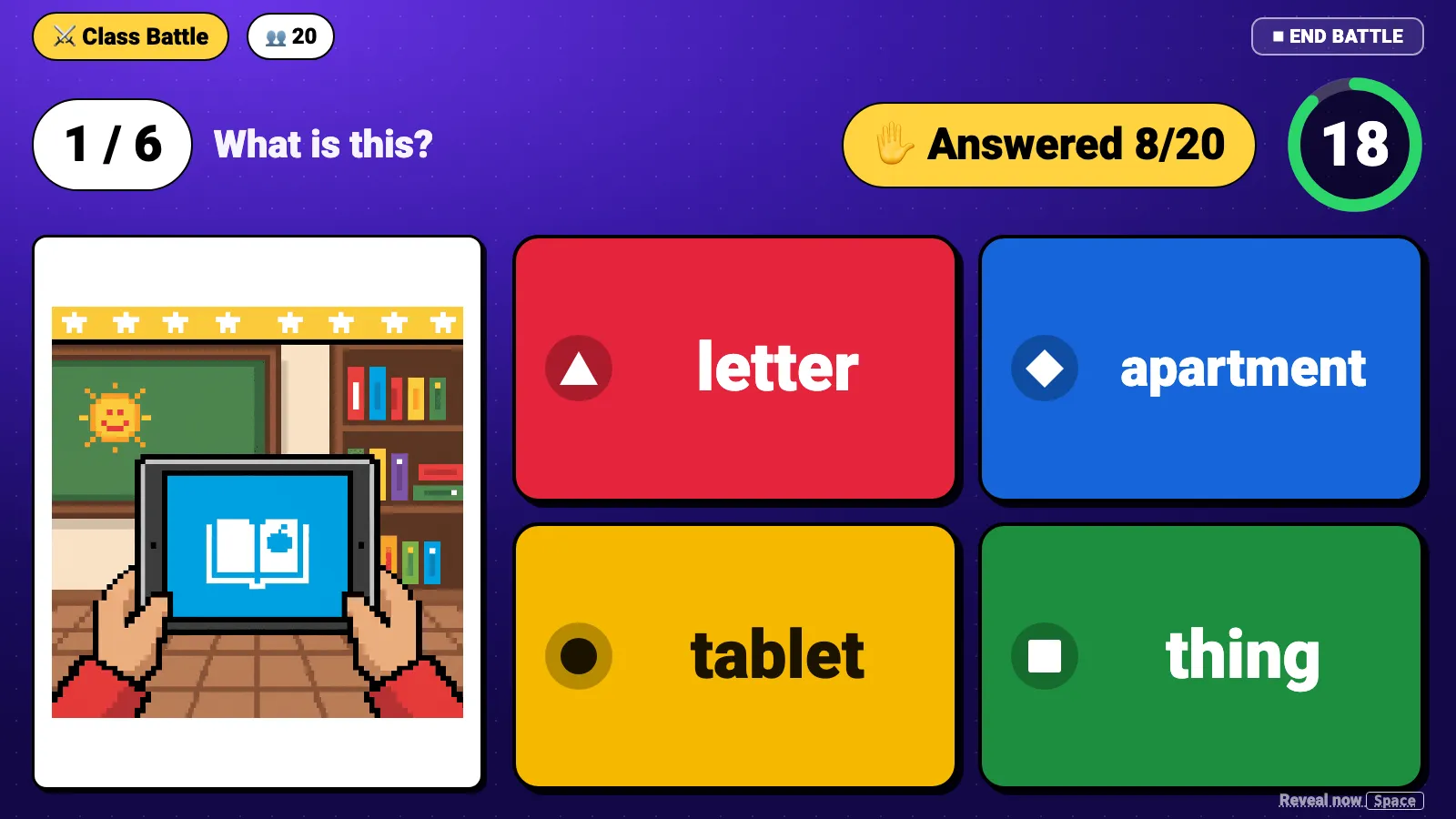
The host screen is built for a projector and readable from the back of the room: the question, a countdown and a live count of answers, then a reveal that speaks the word and shows how much of the class got it.
The Four Question Types
- Picture to wordA picture on the screen and four words to choose from. A great start for Starters.
- Word to pictureA word on the screen and four pictures. A fast check of meaning.
- ListeningThe word plays through your speakers and kids pick the matching picture.
- DefinitionsA short definition with the word hidden and four words to choose from. Best for Flyers.
Tips for the Classroom
- Turn the speakers on before you start: listening questions and every reveal use audio
- Use Quick start for a five-minute warm-up, or pick one topic to review the end of a unit
- Lock the room once everyone has joined so nobody else can enter
- Not enough devices? Pair kids up and let them agree on each answer
- Finish with Rematch on tricky words, or write the trickiest words on the board for next lesson
- Link the battle to your class: kids can then tap Play at home to keep practicing in your class
Keeping It Safe for Kids
Class Battle collects no personal information from children. Kids play under generated animal nicknames, so no real names appear on the projector. You can remove a player or lock the room at any time, and there is no chat. Temporary player sessions are deleted after 30 days.
How It Fits With Your Class on Flyers English
Class Battle works on its own, and it works even better with a free class. Link a battle to your class and kids can join it from home after the lesson. Your class dashboard and Monday report then show who keeps practicing. Read the teacher guide to running your class online, or see how the games help children remember words.
Summary
Class Battle turns Cambridge YLE vocabulary into a five-minute game the whole class plays together. You don't write questions, kids don't need accounts, every word is spoken aloud, and the battle ends with the words your class should review next. It is free to host for up to 40 players. Start your first Class Battle or share flyersenglish.com/play with your class.