Run Cambridge YLE practice your students actually love
Create a free class, share one code, and see each student's progress while they play.
Up and running in three steps
- 1
Create your class
Name it, get a join code. - 2
Share the code
Students enter it at flyersenglish.com/join. - 3
Watch progress come in
XP and words mastered, for every student.
What your students play
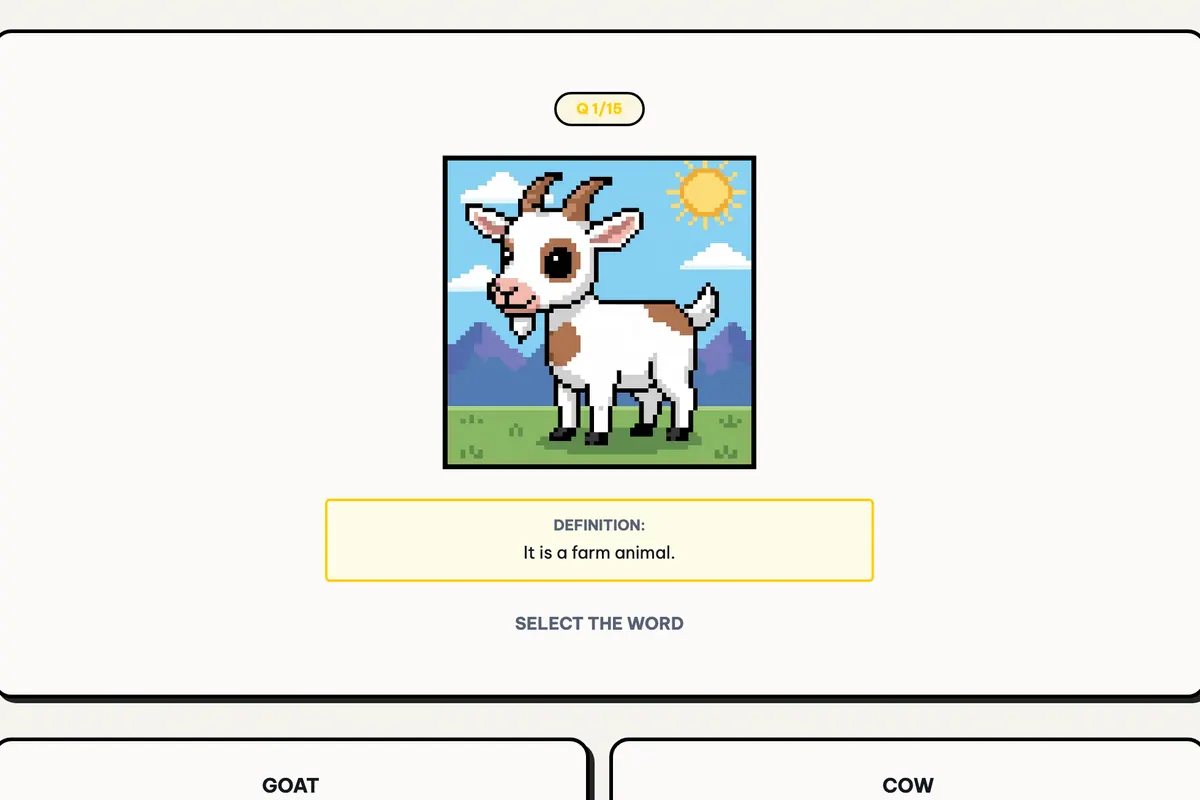
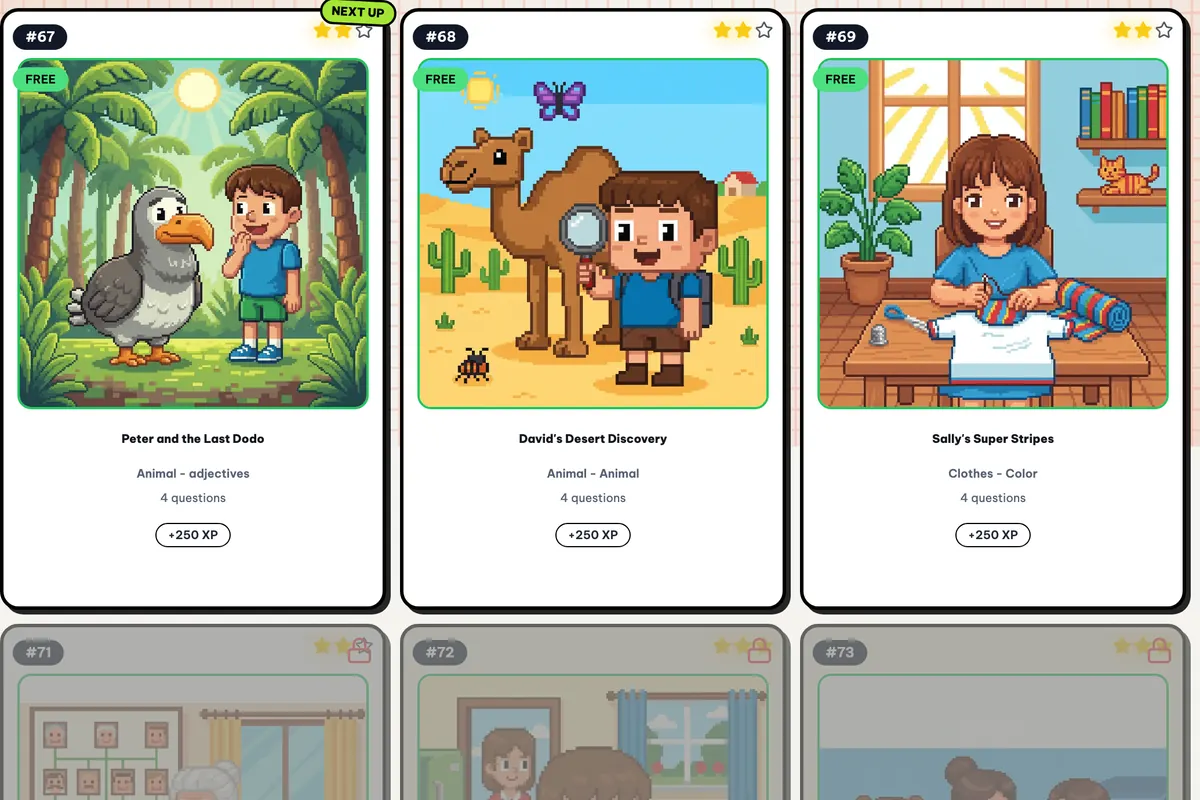
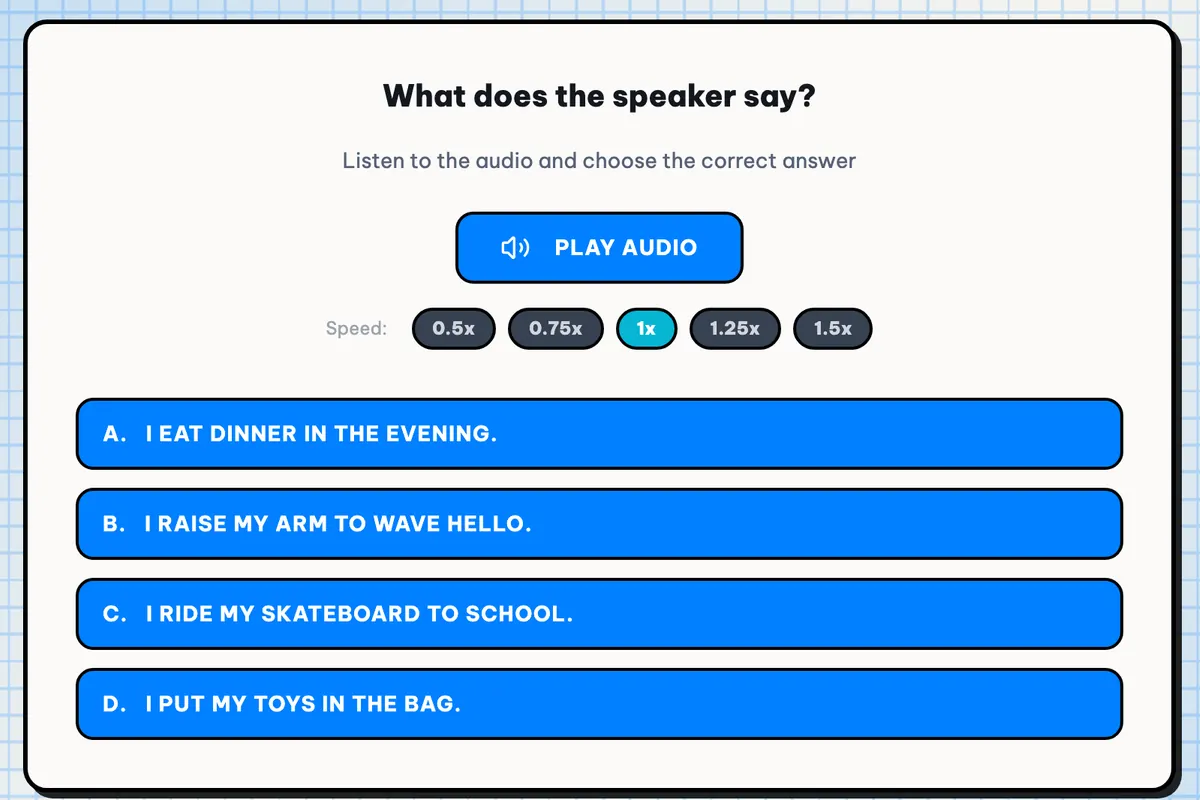
Each game matches a part of the exam.
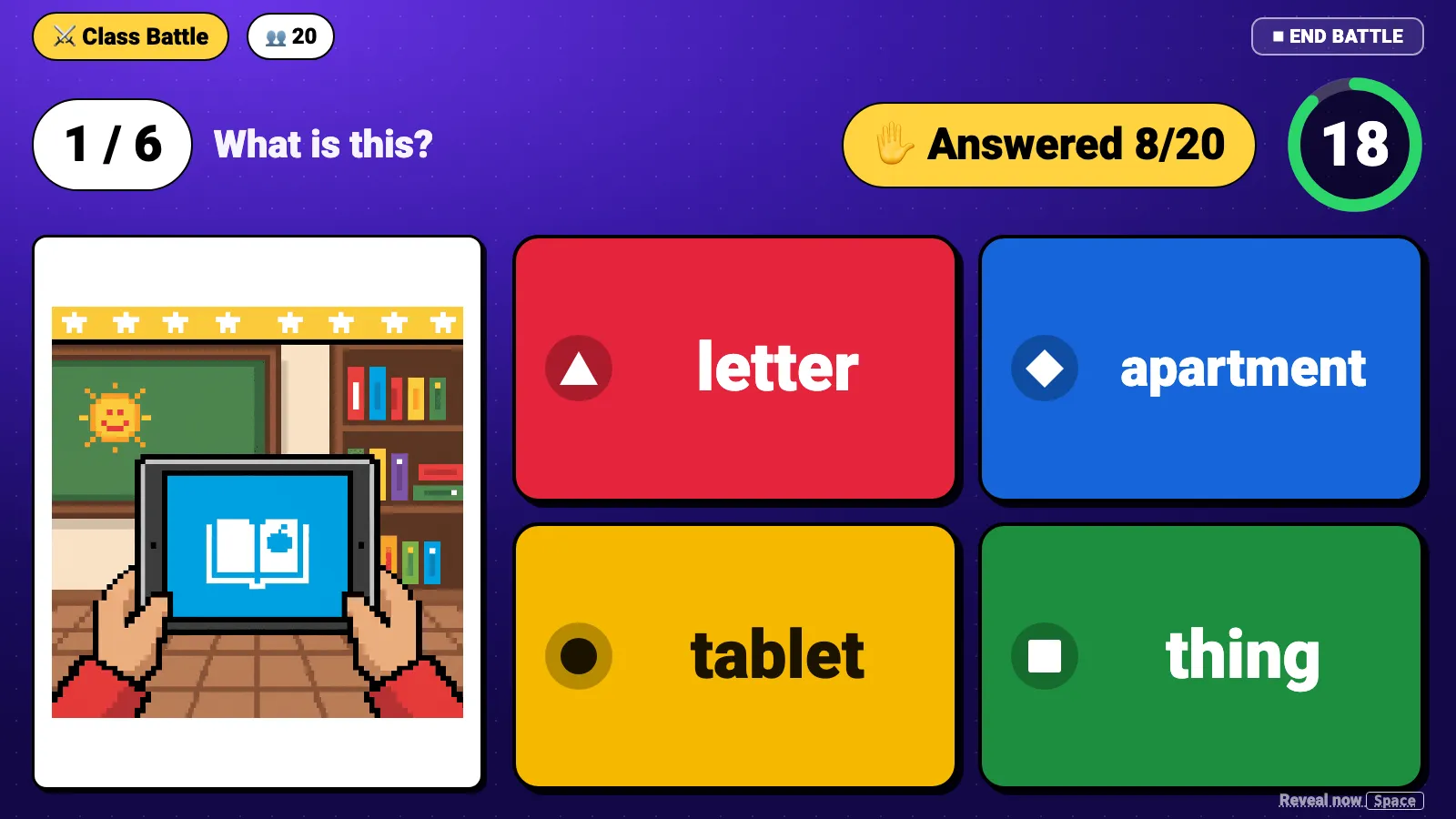
Class Battle: a live quiz for the whole class
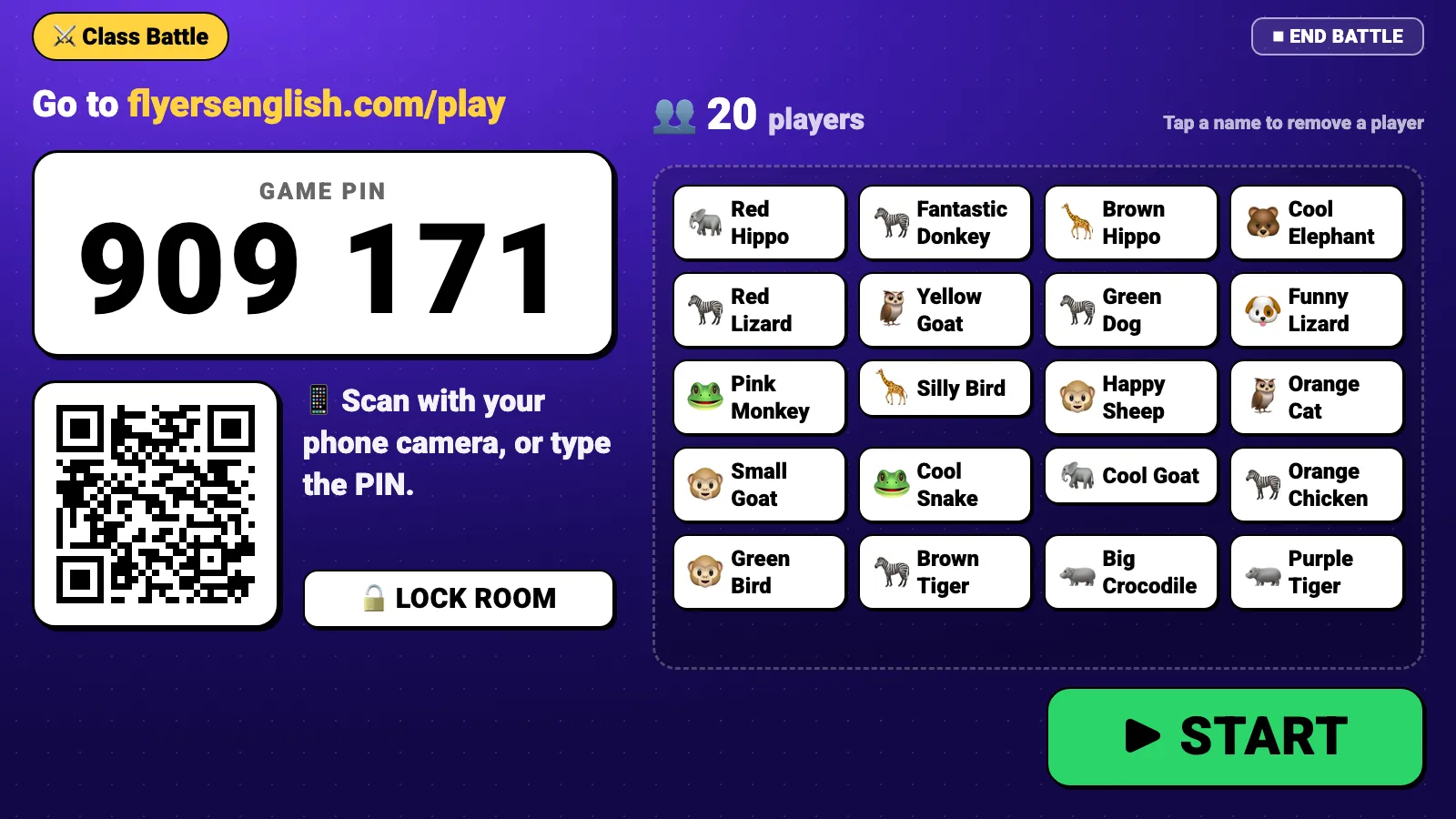
Project a PIN. Kids join on any phone or tablet with a generated animal nickname, no accounts.
- Free, up to 40 players
- Starters, Movers or Flyers words
Read the teacher guideOr build your own grid and memory games
One email that plans your week's review
Every Monday morning
- Who played this week, and who didn't
- The 5 words your class found hardest
- Your join code, for anyone who missed it
Example: five hard Flyers words
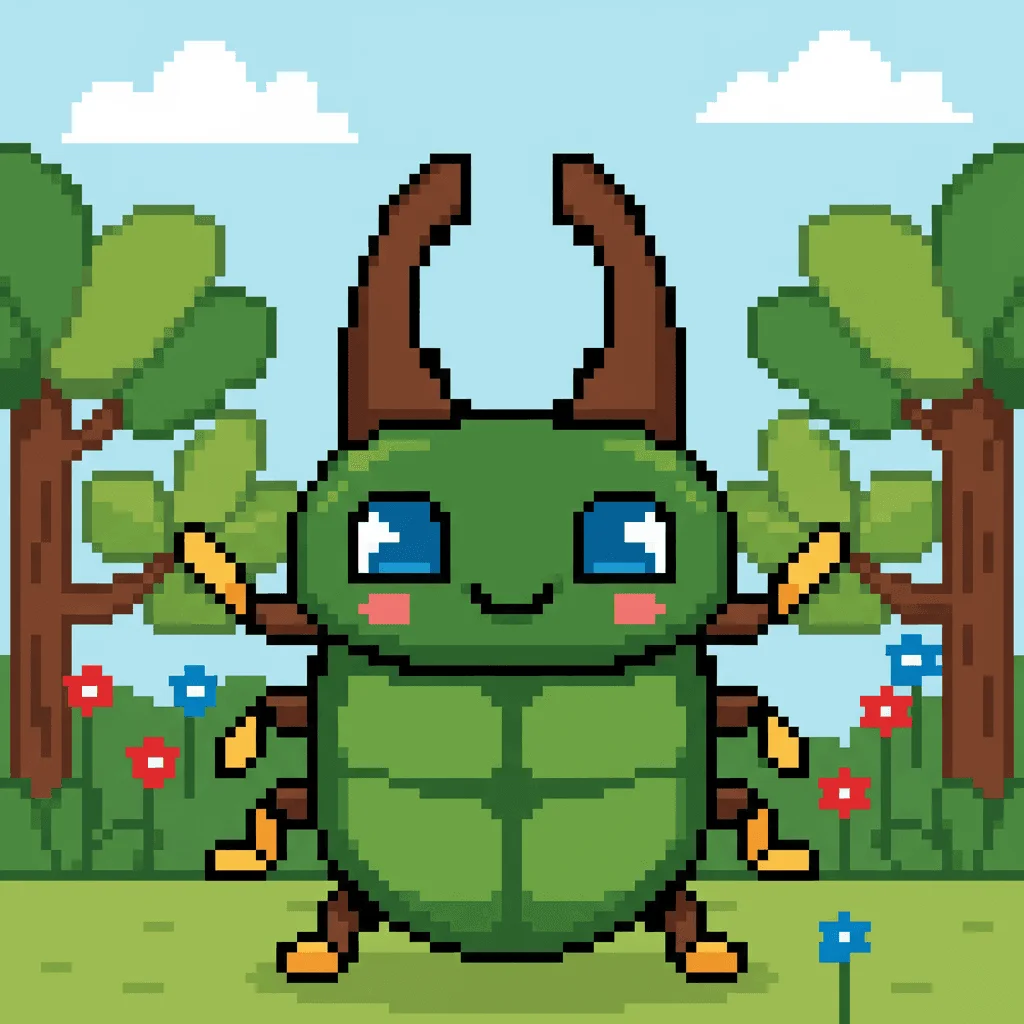 beetle
 engineer
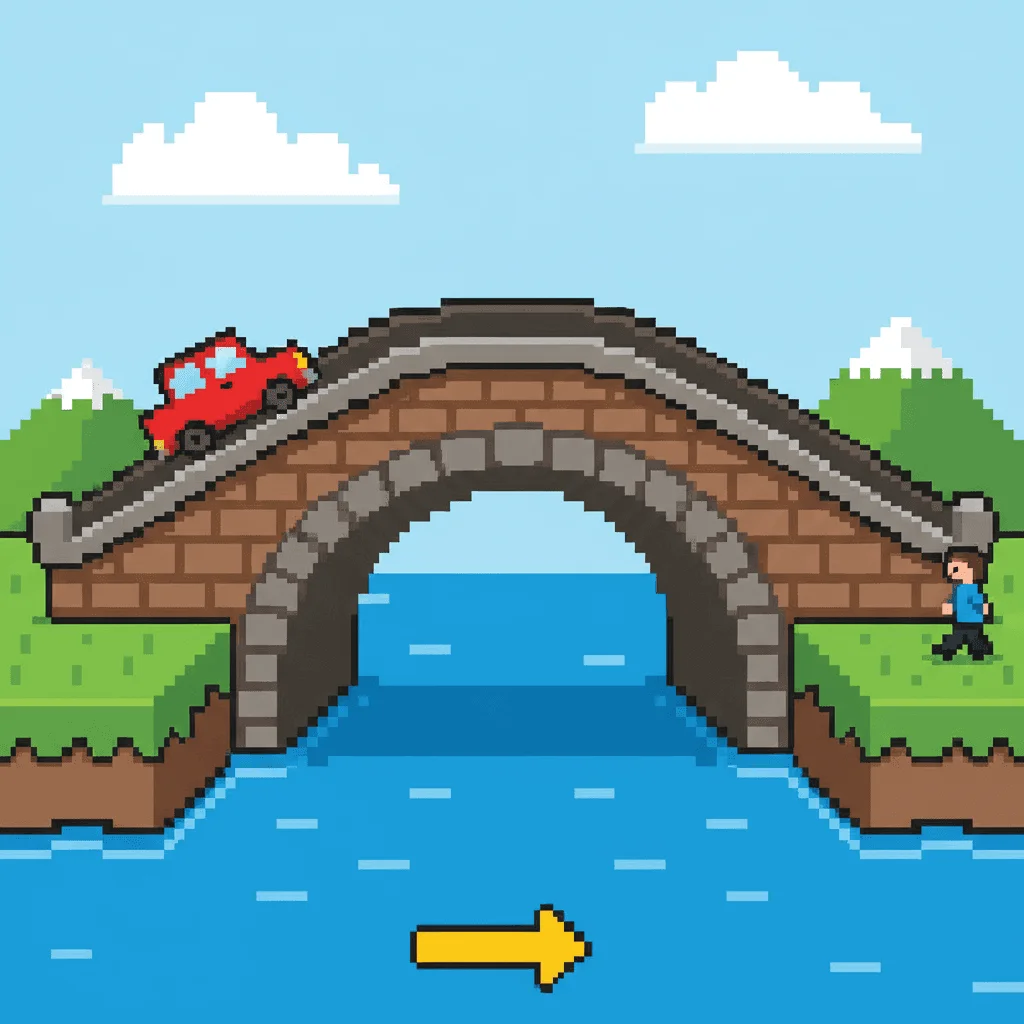 bridge
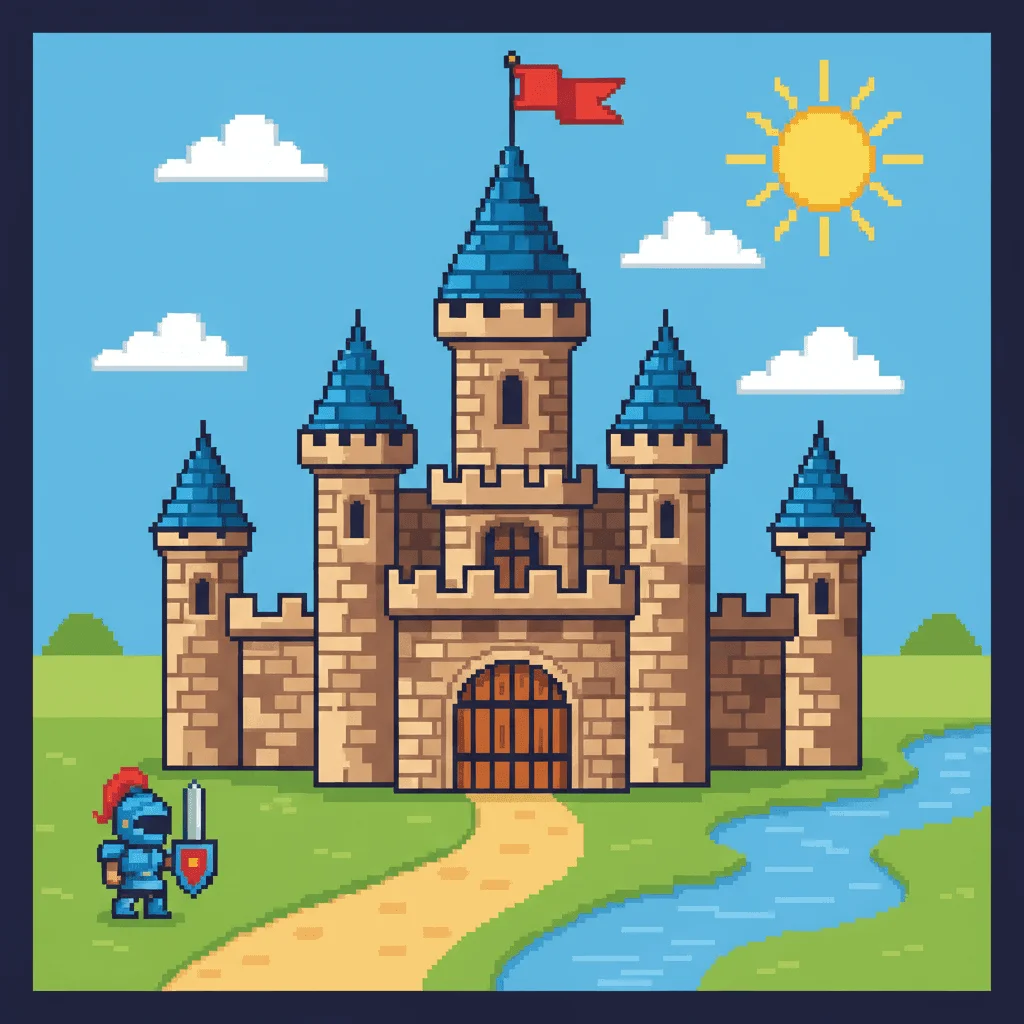 castle
 diary
diary
Everything you need to run exam prep
A live roster
Spot who's gone quiet.
Codes, not email lists
No accounts to manage.
Parents see progress
In a bilingual report.
YLE games and mock tests
Starters, Movers and Flyers.
Running a center?
Email us for a plan that fits several teachers.
Frequently asked questions
How much does it cost for teachers?
Nothing. Classes, join codes, classroom games and progress tracking are free for teachers. Students start free too. Families can choose to upgrade to Premium for every level and mock exam.
What about student data and privacy?
Students join with a 6-character class code from inside their own account. You never collect student emails, and there is nothing to install. You can change a class code at any time.
How many students can join one class?
Up to 200 students per class, enough for a whole grade. You can create as many classes as you need.
Can parents see their child's progress?
Yes. Parents get their own dashboard with a bilingual progress report, so practice from your class shows up at home with no extra work for you.
What is the Monday class report?
Every Monday morning you get one free email about your class: who played last week and who didn't, the 5 words your class found hardest, and your join code for anyone who missed it. It's an easy way to plan the week's review.
Which Cambridge exams does it cover?
All three Cambridge Young Learners levels: Pre-A1 Starters, A1 Movers and A2 Flyers. Games, wordlists and mock tests follow the official Cambridge YLE syllabus.
Set up your class before the next lesson
Free for teachers. One code for the whole class.